 LiteAI
Free Online HTML Editor
Write, test, and preview your HTML, CSS, and JavaScript instantly in your browser. Once your code is bug-free, use our built-in compiler to wrap it into a native Android app.
How to Write and Test HTML Code Online
The sandbox editor above is perfect for rapid debugging and frontend layout testing. When you are ready to scale your raw markup into a production environment, follow this workflow in our cloud environment:
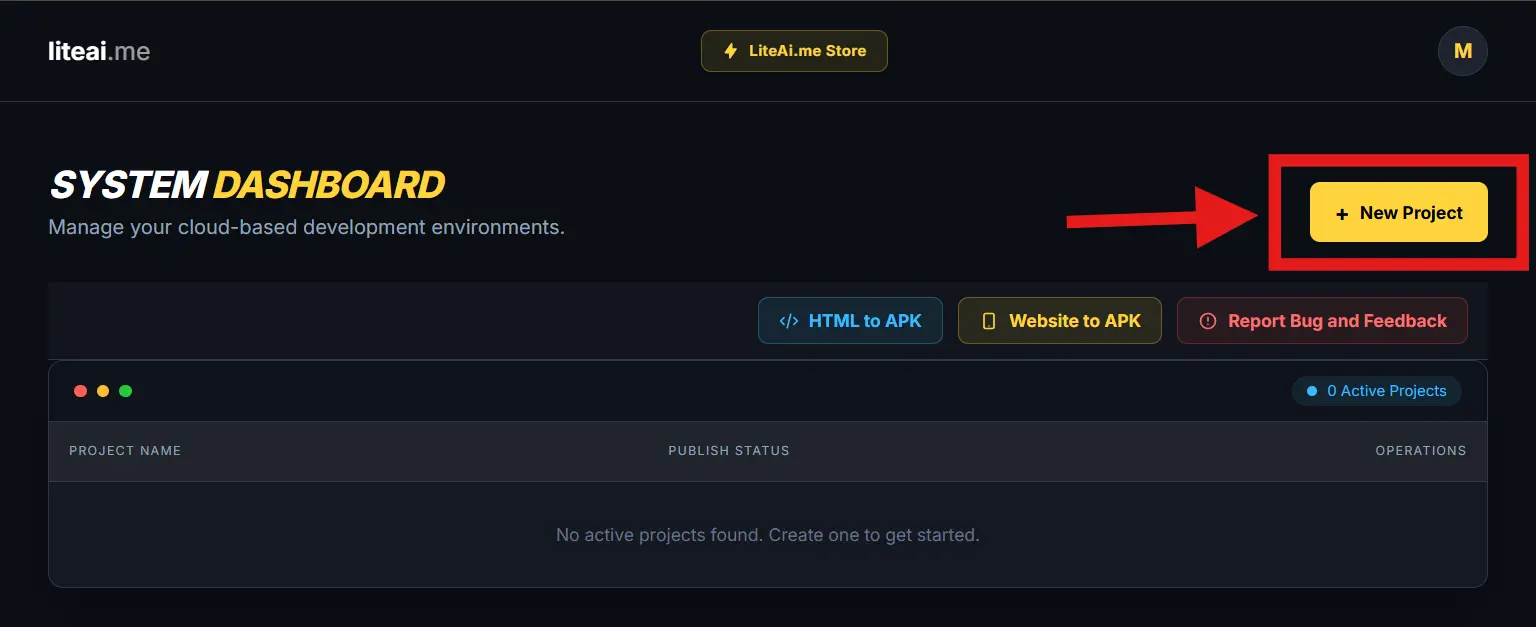
Open the Live Editor Workspace
Access your centralized system workspace profile. Click the yellow + New Project button to spawn a fresh, sandboxed web runtime instance dedicated to your raw code.
Write Your HTML, CSS, and JS
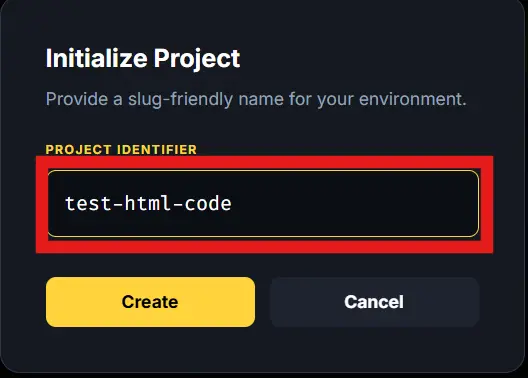
Type or paste your raw syntax directly into the Source Code panel. Assign a clean naming key inside the input container (such as my-html-app).
View the Live Preview
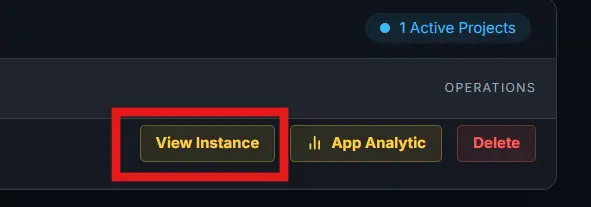
Watch the Live Preview panel render your DOM layout instantly as you type. Toggle the top Preview navigation link to evaluate interactive JavaScript elements in real-time.
Compile Code to Android APK
Once your HTML syntax is functioning perfectly, securely push your optimized code into our compilation queue. Click the 'Compile to APK' button to package your standalone markup into a native mobile app.
Frequently Asked Questions
Q. What is an online HTML editor?
An online HTML editor is a browser-based developer tool that allows you to write, modify, and instantly preview web markup (HTML, CSS, and JavaScript) without needing to install software or configure a local server.
Q. Can I test CSS and JavaScript in this HTML viewer?
Yes. Our live HTML tester fully supports inline <style> tags for CSS styling and <script> tags for JavaScript, rendering interactive elements instantly in the preview panel.
Q. How do I save my HTML code as an app?
Unlike standard sandbox editors, LiteAI features an integrated compiler. Once your code runs perfectly in the preview window, click the 'Compile to APK' button to wrap your HTML into a downloadable Android application.